Skip to content

What I can help with

Pick a service below to see what it includes.

Setup and Wi‑Fi

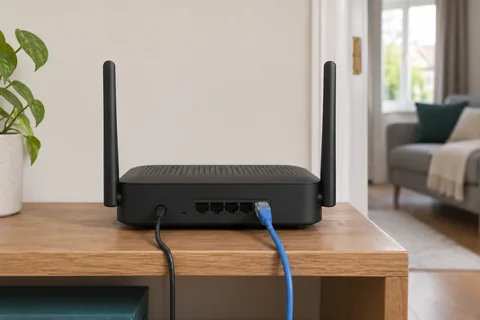
Internet and Wi‑Fi

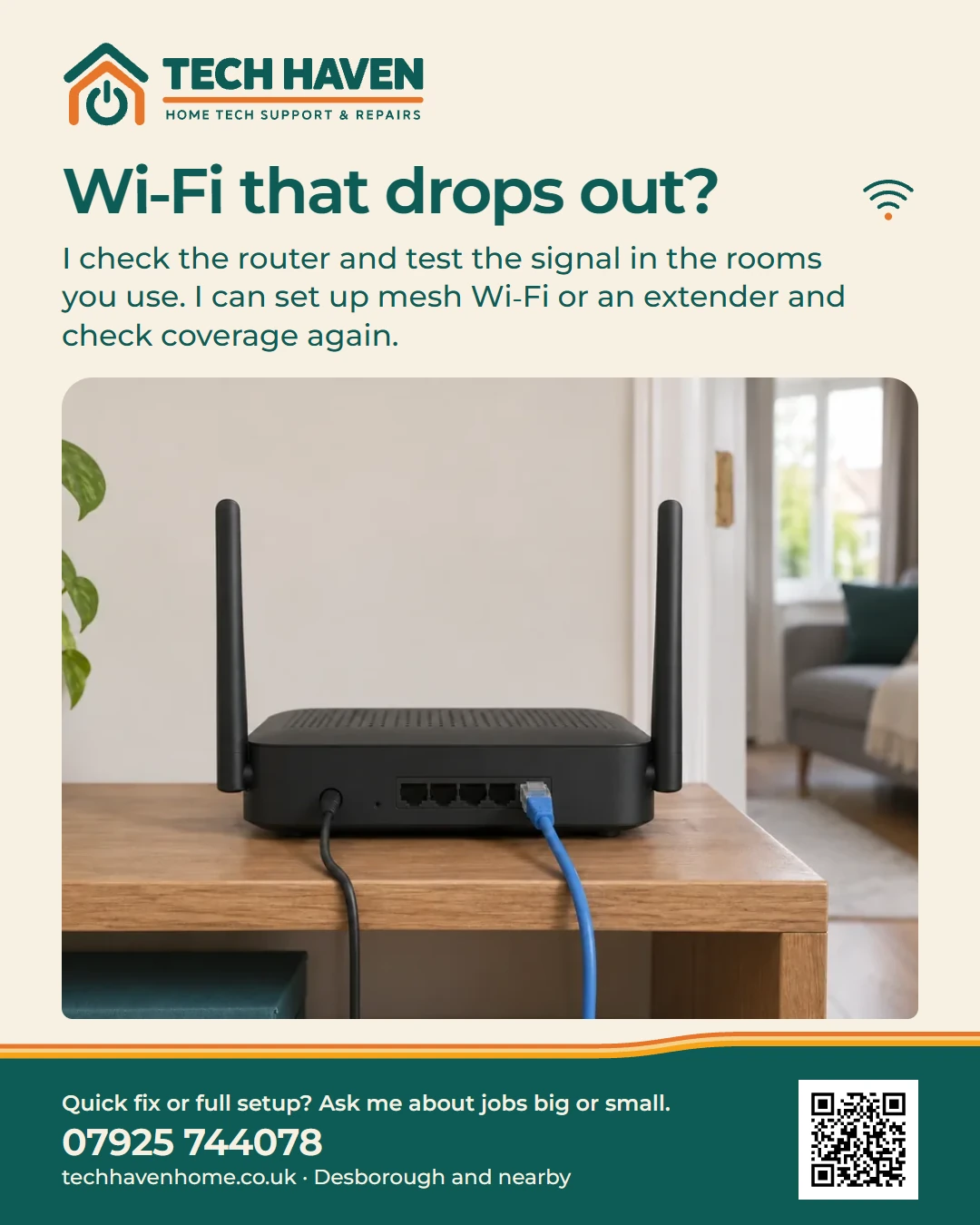
Wi‑Fi fine downstairs but patchy upstairs? I’ll check where the signal drops and help get your devices connected.

What I can do for Internet and Wi‑Fi
  • Set up your broadband router
  • Connect a phone, TV or computer
  • Check slow internet
  • Find where the signal drops
  • Set up mesh Wi‑Fi or an extender to reach more rooms
  • Test the connection again after setup
See the poster for Internet and Wi‑FiOpen poster at full size for Internet and Wi‑Fi (opens in a new tab)
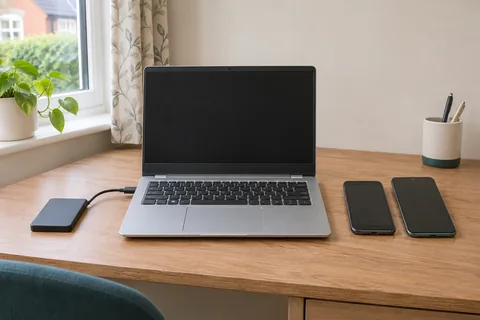
New phone, tablet or laptop

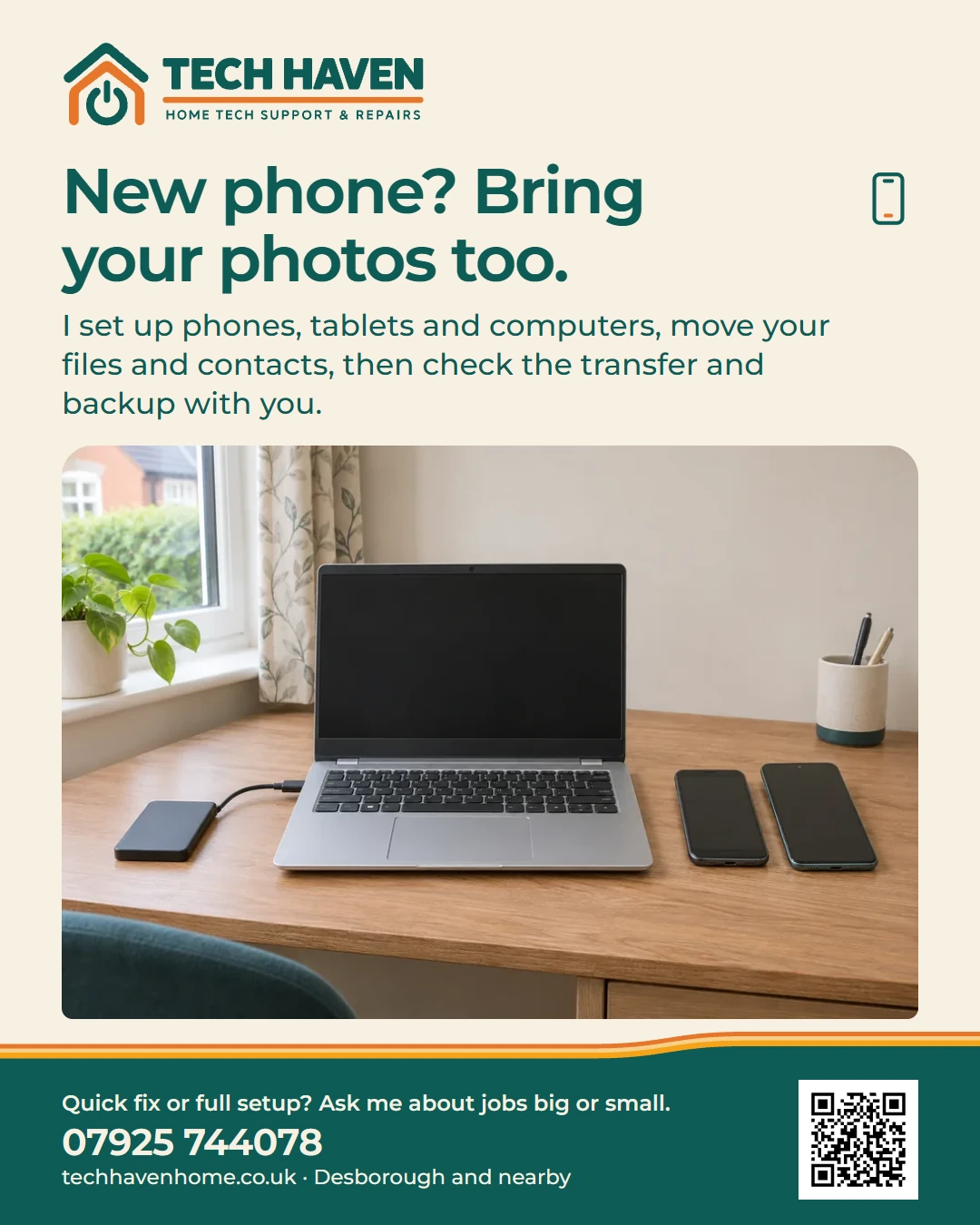
New device, same photos and contacts. I’ll move them across and check what’s there with you.

What I can do for New phone, tablet or laptop
  • Set up a phone
  • Set up a tablet or laptop
  • Move photos and files
  • Move contacts and set up accounts
  • Save a copy on a spare drive
  • Set up online storage and backups
See the poster for New phone, tablet or laptopOpen poster at full size for New phone, tablet or laptop (opens in a new tab)
TV, sound and wall mounting

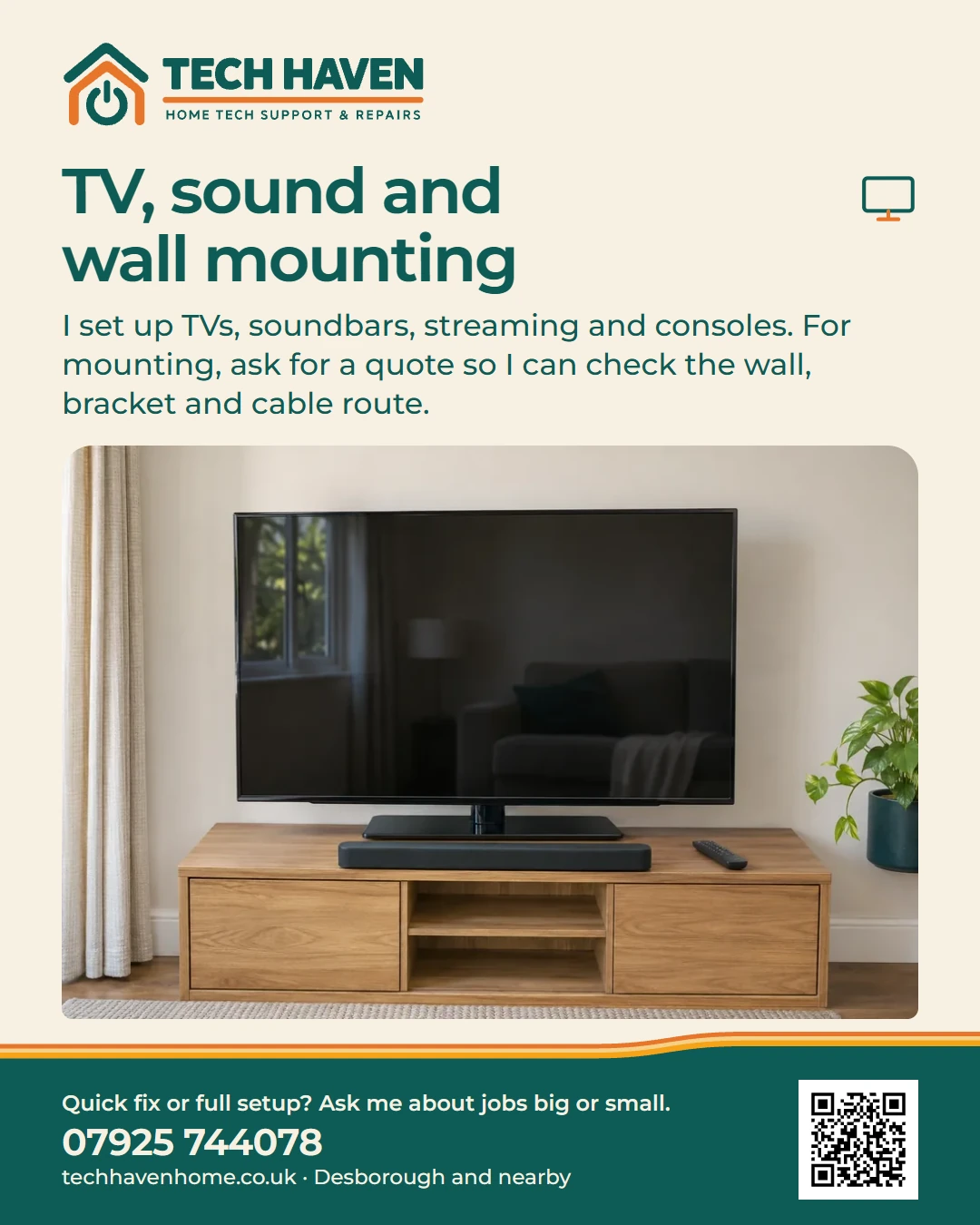
I’ll get the picture, sound and apps working together. Ask for a quote if you’d like the TV on the wall.

What I can do for TV, sound and wall mounting
  • Set up a new TV
  • Tune channels and adjust the picture
  • Set up TV boxes and apps
  • Connect a soundbar or speakers
  • Set up games consoles and connect controllers
  • Check the wall, bracket and cable route for a mounting quote
See the poster for TV, sound and wall mountingOpen poster at full size for TV, sound and wall mounting (opens in a new tab)

Printers, scanners and home office

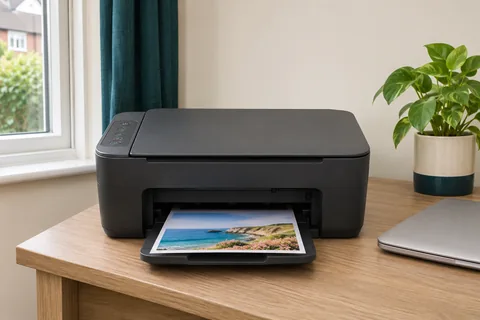
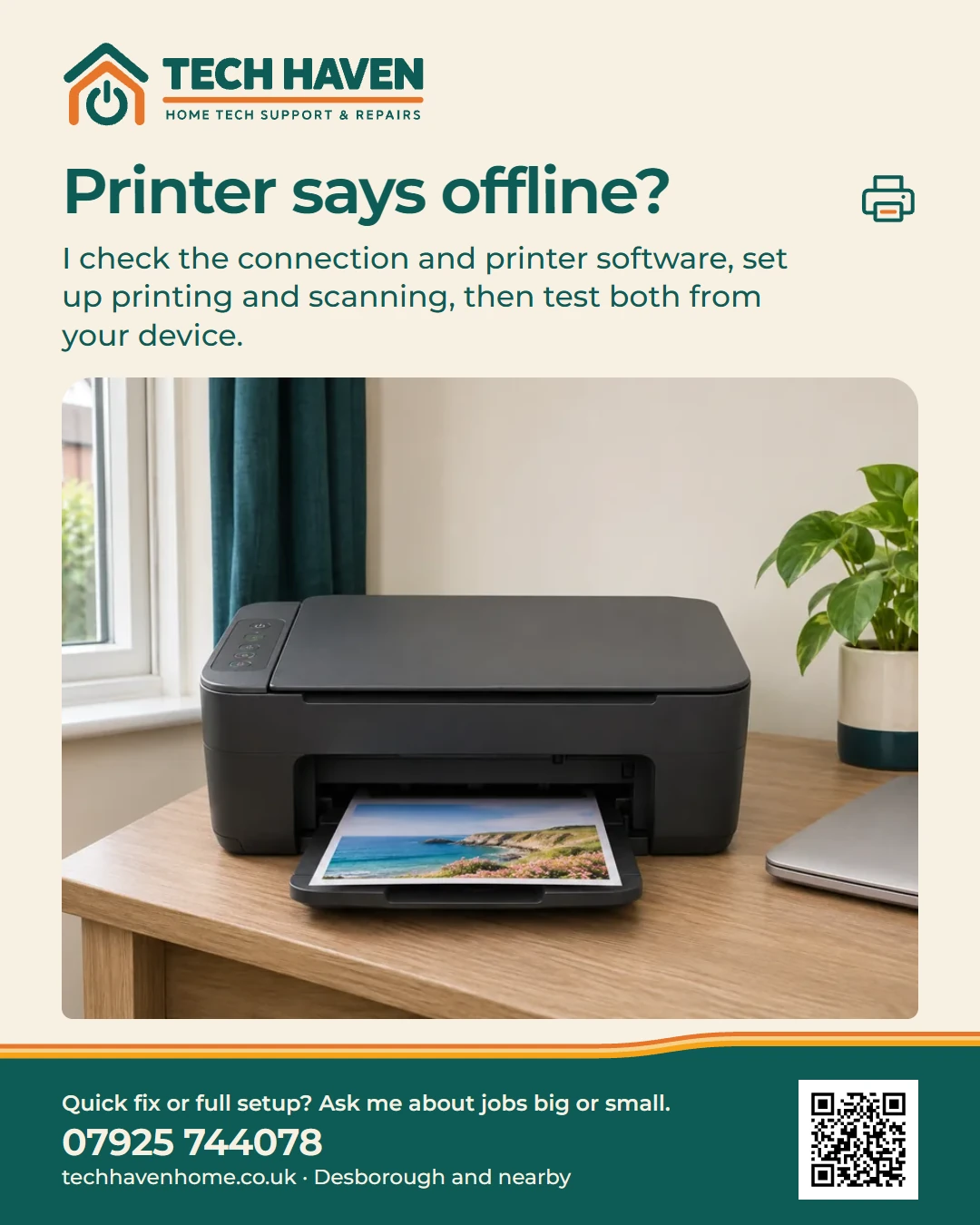
Printer says it’s offline and it’s right there? I’ll help you get printing and scanning again.

What I can do for Printers, scanners and home office
  • Set up a printer
  • Set up a scanner
  • Fix printing problems
  • Connect your printer to Wi‑Fi
  • Connect office devices
  • Install printing and scanning software
See the poster for Printers, scanners and home officeOpen poster at full size for Printers, scanners and home office (opens in a new tab)
Smart home and speakers

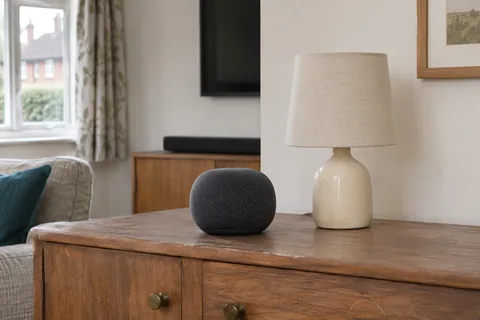
I’ll get speakers, lights and plugs talking to the right apps, then show you the controls.

What I can do for Smart home and speakers
  • Connect speakers and soundbars
  • Set up lights and plugs that connect to Wi‑Fi
  • Connect a TV box
  • Pair a phone or another device
  • Set up the apps that control your devices
  • Help with devices that keep losing their connection
See the poster for Smart home and speakersOpen poster at full size for Smart home and speakers (opens in a new tab)
Repairs and upgrades

Computer or laptop help

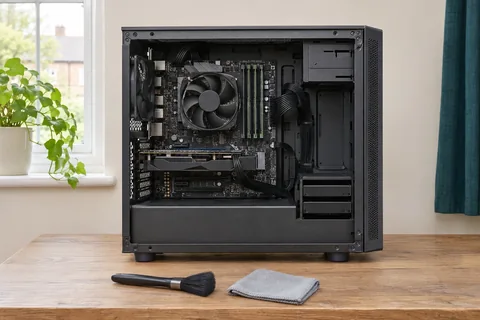
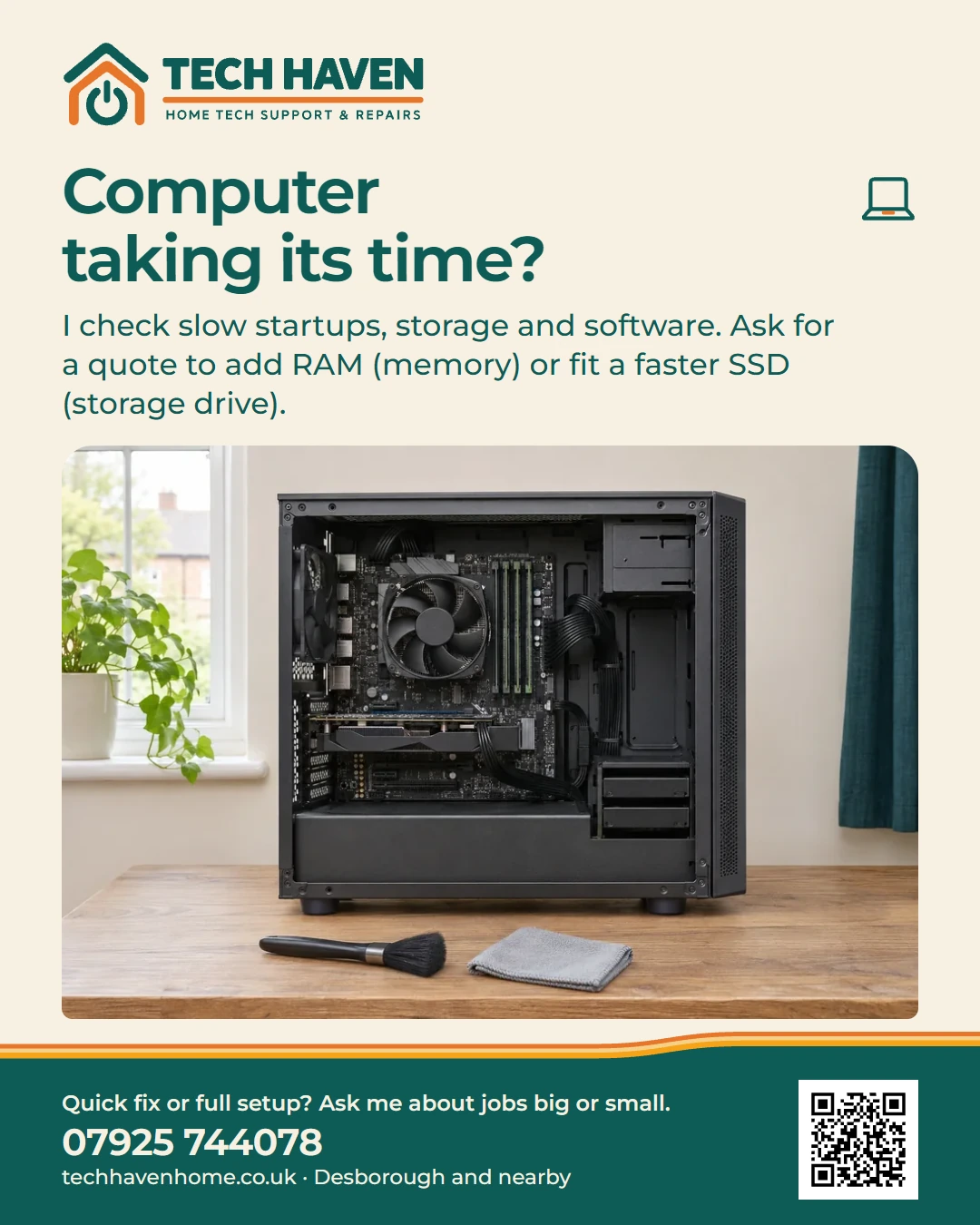
If your computer takes longer to start than the kettle takes to boil, I’ll find out why and quote for any parts or upgrades.

What I can do for Computer or laptop help
  • Check a slow computer
  • Help with startup problems
  • Ask about upgrading RAM (memory) or fitting an SSD (a faster storage drive)
  • Check for harmful software
  • Check updates and software
  • Ask about cleaning dust from inside the computer
See the poster for Computer or laptop helpOpen poster at full size for Computer or laptop help (opens in a new tab)

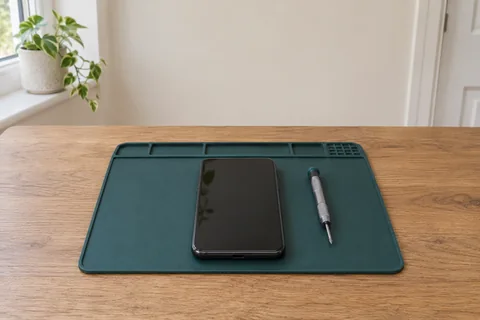
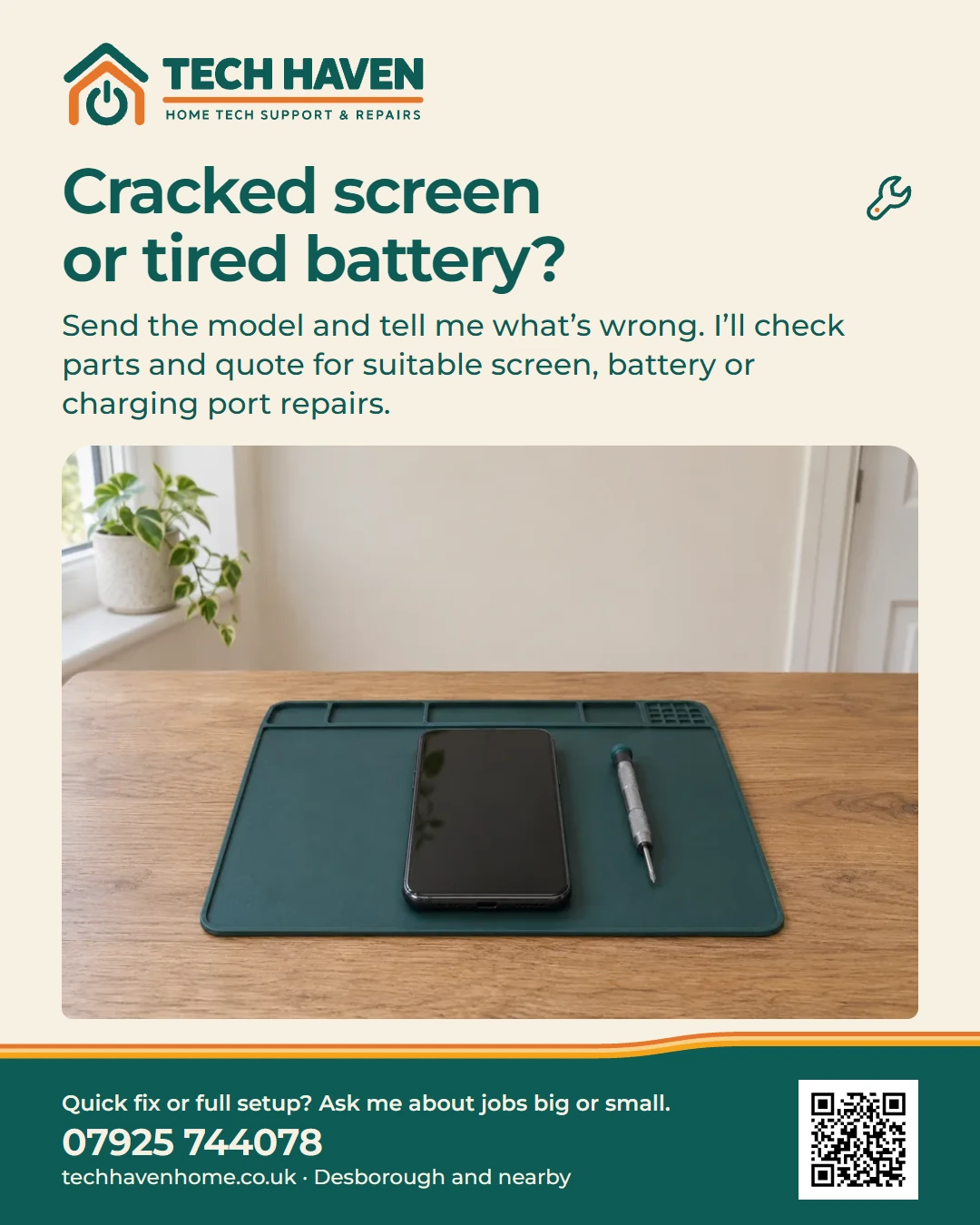
Phone, tablet, computer and console repairs

Cracked screen or a battery that won’t last? Tell me the model and I’ll check what a repair would take.

What I can do for Phone, tablet, computer and console repairs
  • Phone and tablet screens
  • Fit new batteries
  • Charging port faults
  • Laptop repairs
  • Computer faults and parts
  • Console and controller repairs
See the poster for Phone, tablet, computer and console repairsOpen poster at full size for Phone, tablet, computer and console repairs (opens in a new tab)
Lessons and media transfers

One to one lessons and everyday help

Bring something you’d like to get the hang of. We’ll use your device and I can leave you the steps.

What I can do for One to one lessons and everyday help
  • Learn to use a phone or tablet
  • Learn a task on your laptop
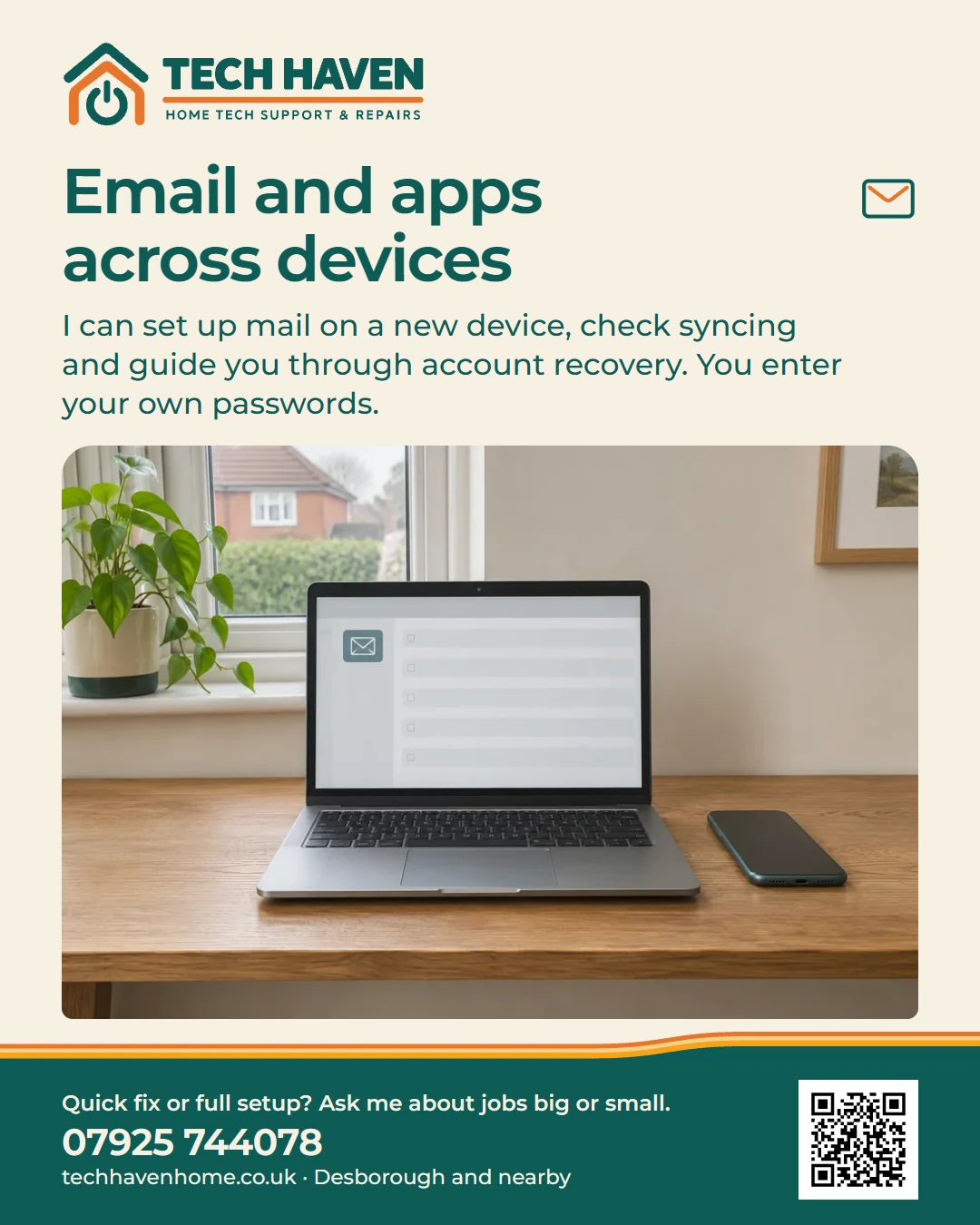
  • Send emails and messages
  • Find, organise and share photos and files
  • Use apps or make a video call
  • Make text larger and get plain advice
See the poster for One to one lessons and everyday helpOpen poster at full size for One to one lessons and everyday help (opens in a new tab)
Copy photos, tapes and discs to your computer

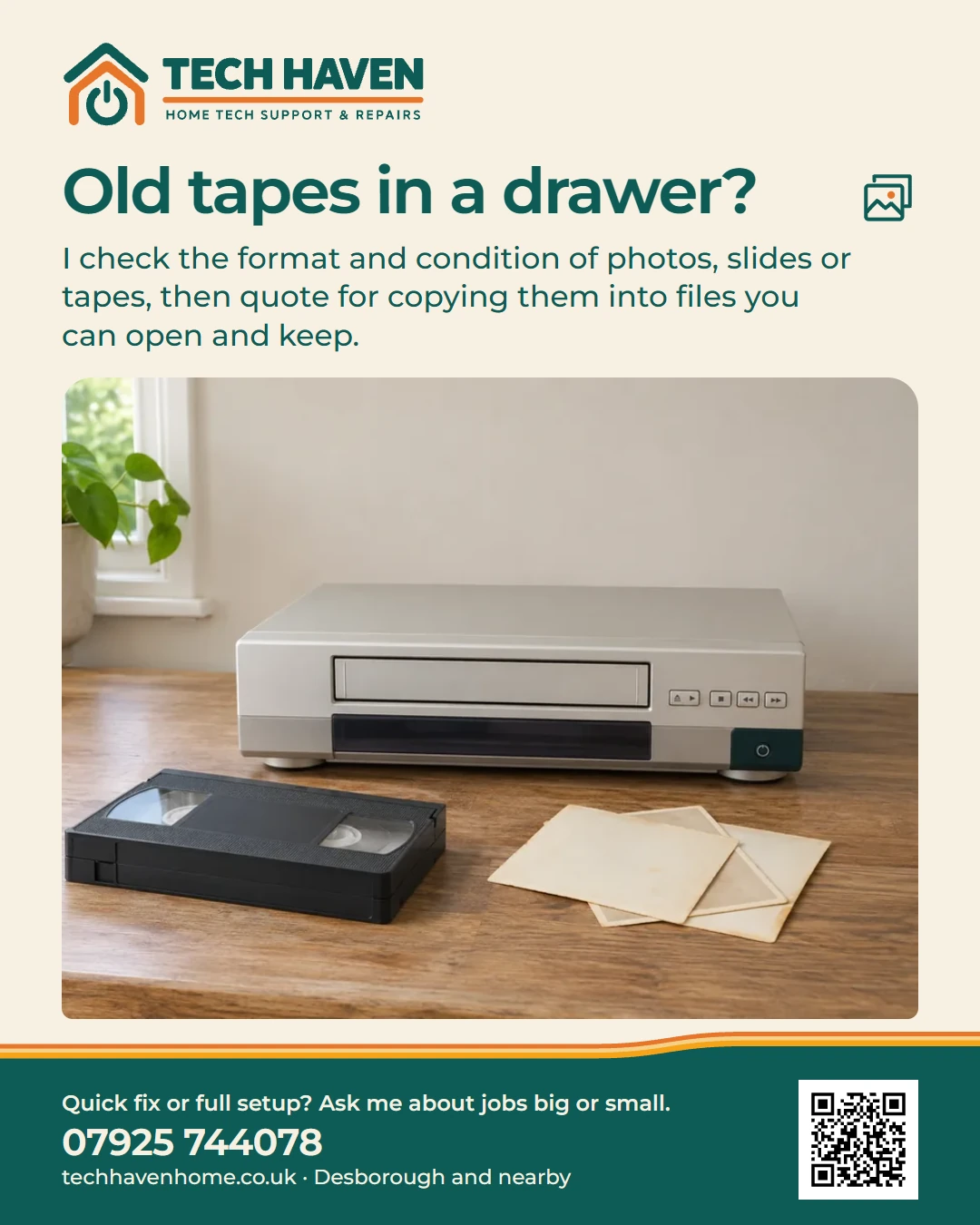
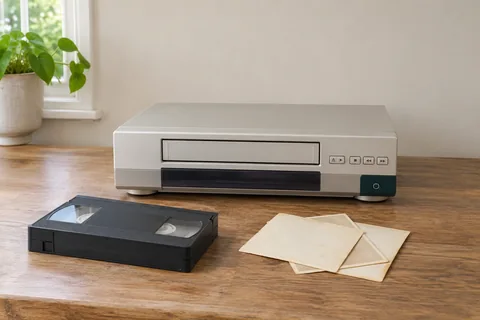
Got family tapes or photos tucked away? Ask about turning them into files you can play and keep.

What I can do for Copy photos, tapes and discs to your computer
  • Scan photos and slides
  • Copy discs you have permission to copy
  • Transfer old family tapes
  • Organise files on a USB stick or drive
  • Sort and label digital files
  • Save a spare copy of your files
See the poster for Copy photos, tapes and discs to your computerOpen poster at full size for Copy photos, tapes and discs to your computer (opens in a new tab)